
Crimson Desert · Exploration
Unlock Abyss Nexus and Cresset fast travel
Investigate Mysterious Energy, activate travel points, solve local Cresset challenges, and troubleshoot map selection when travel will not begin.
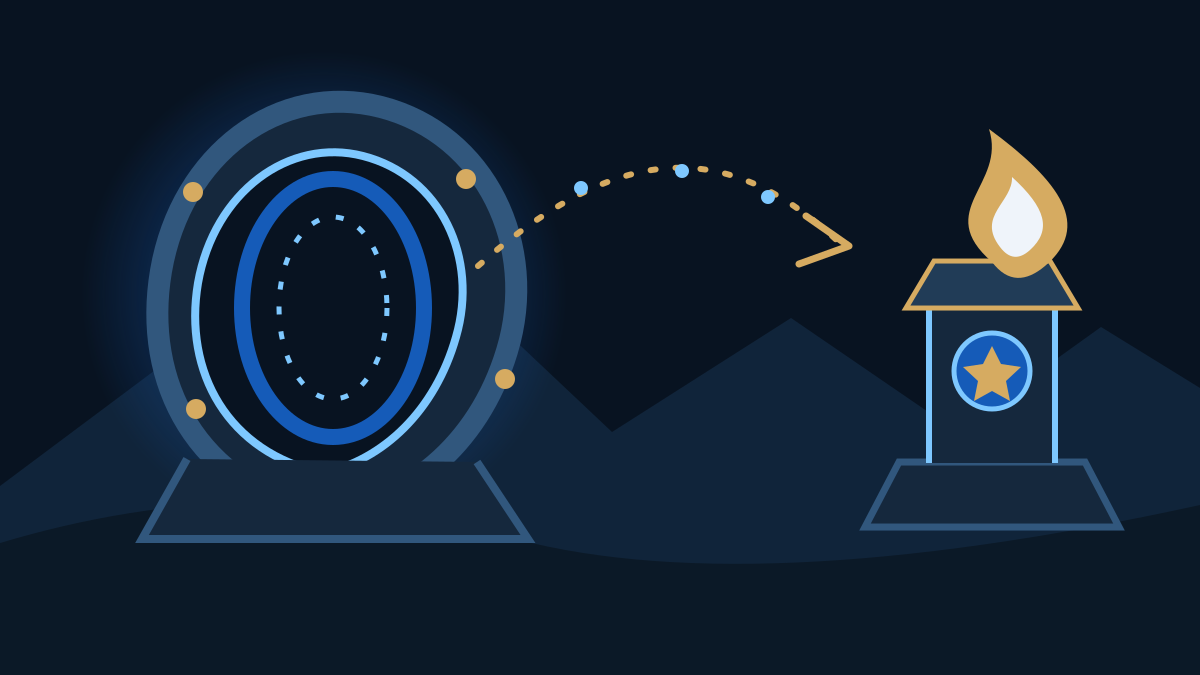
By Draconic Realms Gaming
Saved and completed states stay on this device.
What you need first
- Access to the world map
- A nearby Mysterious Energy circle or travel point
Quick answer
Investigate Mysterious Energy circles and step onto a Nexus to activate it. At a Cresset, complete the local challenge if required and collect the Artifact. Then select the activated point on the map with the displayed prompts; if nothing happens, check the All filter, dismount, and consider whether a scripted objective is restricting travel.
Abyss Nexus
- Step onto a Nexus
- Travel to an activated point
Cresset
- Complete the local challenge
- Collect the Artifact
- Activate the point
Do not activate every blue light without checking what it is.
Source contextDRG is independent fan content. Crimson Desert and its referenced imagery are the property of Pearl Abyss.
Investigate Mysterious Energy circles
Mysterious Energy circles are your cue to investigate a potential travel point. Approach the location and inspect what is there rather than assuming every point activates in exactly the same way.
For an Abyss Nexus, step onto the Nexus to activate it. Once activated, it becomes part of the network you can select through the map’s travel prompts.
Complete the local Cresset requirement
A Cresset can require a local challenge. Solve that challenge where necessary, then collect the Artifact associated with the point.
Do not treat an uncompleted local requirement as a map problem. Finish the activity at the Cresset first, then return to the map and check whether the activated point can be selected.
Select an activated point on the map
Use the map’s displayed prompts to choose an activated travel point. Check the All filter if you cannot find the point you expected; a narrower filter can hide the very destination you are trying to use.
Build the habit of activating points as you pass them. Each Nexus or completed Cresset adds to a network that reduces repeated travel later.
Understand when travel may be restricted
If fast travel will not start, dismount and try again. Also consider whether your current scripted objective restricts travel for that moment.
A restriction during a story objective does not necessarily mean the Nexus or Cresset activation failed. Check the objective, confirm the point is activated, and return to the map prompts once you are free to travel.
Common blockers
- If a destination is missing, set the map filter to All and look for the activated point again.
- If a Nexus is not active, step onto the Nexus itself rather than only approaching the surrounding circle.
- If a Cresset is not available, finish its local challenge and collect the Artifact.
- If the destination is selected but travel does not begin, dismount and check whether a scripted objective is restricting it.